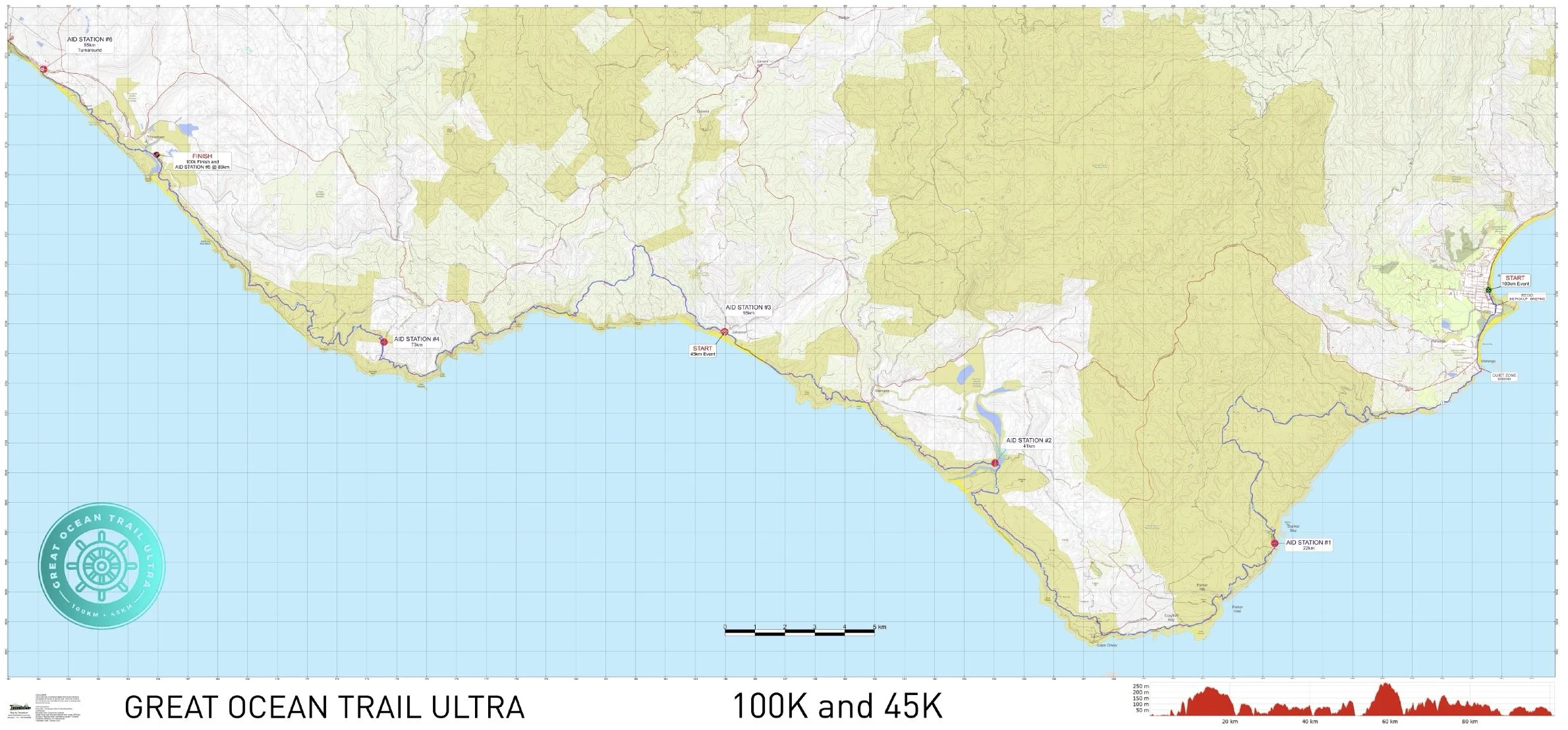
OFFLINE MAPPING ON COURSE
via AVENZA MAPPING APP
AVENZA MAPS – is the mapping App for GOTU 45km & 100km
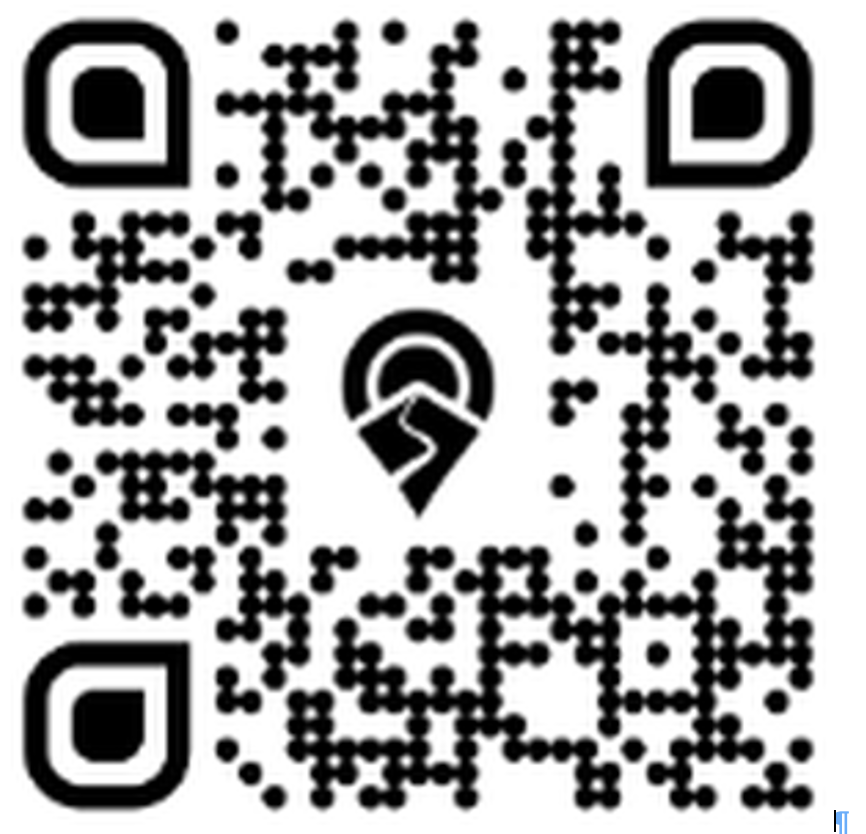
Once set up, the app works WITHOUT mobile reception, locating you on a 1:25,000 topo map. You need to download the App onto your smartphone, then download the full high-res course map into the App.
THE AVENZA MAP DOWNLOAD IS ACCESSED BY SCANNING THE QR CODE HERE
IF YOU DO NOT ALREADY HAVE THE AVENZA APP DOWNLOADED YOU WILL BE PROMPTED TO DOWNLOAD THE APP
THEN SCAN THE QR CODE – it will take you to the FREE map download. Then open map (which sits within your Avenza APP, and works when you are on or offline)
USING AVENZA MAPS
To make full use of Avenza maps, GPS must be turned on in your device.
1. On the map, key locations are marked with yellow labels, and the route is marked as a semi-transparent blue line.
2. The latitude and longitude numbers at the bottom of screen correspond to the point that the cross-hairs are targeting at centre screen.
3. Therefore, you can scroll around to any position on the map & determine the co-ordinates of the point between the cross-hairs.
4. Your current GPS location is displayed on the map as a blue dot.
5. Press the 'Location Button' to centre in on your current location. Once this is done, your current lat/long co-ordinates will match the lat/longs displayed on the screen. This will only work if you are physically located within the map boundaries.
NOTE: there is only one map for both distances. It shows the full 100km course. The 45km start line is indicated on the map. 45km runners can use this same map as your course is the same, just the final 45km!